In-home medical alert systems are the simplest safety upgrade you can make to your parent’s house. Plug it in, charge the pendant, and help is one button press away. But choose the wrong in-home medical alert systems and the pendant won’t reach the bedroom, or it goes dead in a power outage.
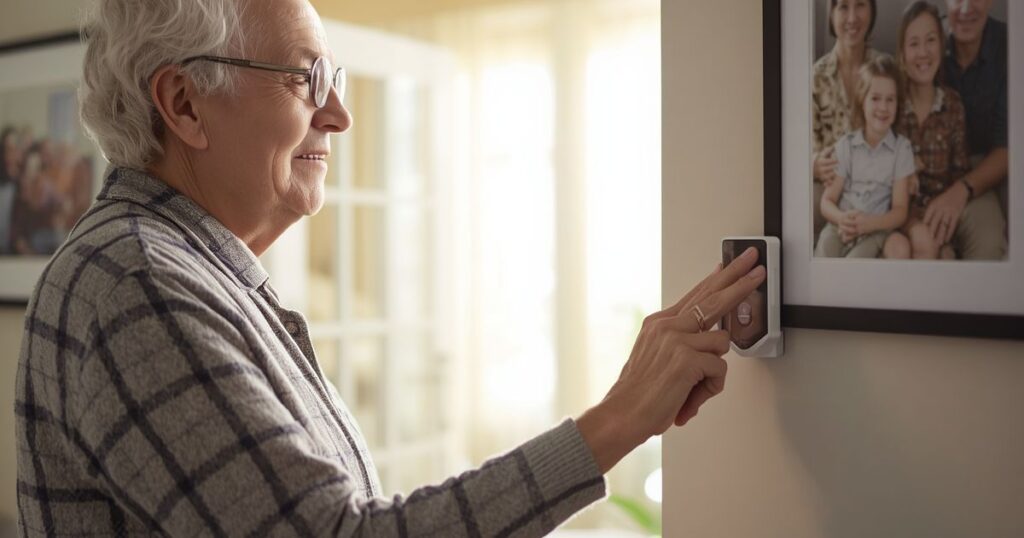
One family learned this the hard way. They set up an in-home system in the living room — only to discover the signal didn’t reach the upstairs bedroom where their mother slept. The range looked fine on paper. In practice, it left her unprotected where she needed it most.
This guide exists because no one else has written a dedicated resource for in-home medical alert systems specifically. Every other comparison buries them inside general roundups. Here, in-home systems are the entire focus — with clear guidance on the one decision that matters most before you buy.
Our Top Picks at a Glance
- Best Overall: Bay Alarm Medical In-Home Cellular — $27.95/mo
- Best Range: Medical Guardian Classic — $29.95/mo
- Best Budget: LifeFone At-Home — from $24.95/mo
Do You Need a Landline? Cellular vs. Landline In-Home Medical Alert Systems
The first question to answer when choosing the best in-home medical alert systems aren’t which brand — it’s which connection type. Your answer shapes everything else.
Landline in-home systems connect through your existing phone line. They tend to be cheaper (as low as $22.95–$24.95/mo on an annual plan), and the signal is highly reliable under normal conditions. If your parent’s home already has an active landline, a landline system is a cost-effective choice.
The downsides: landline systems stop working if the phone line is cut or goes down. They also require an active landline subscription, which is an added ongoing cost for anyone who has already cancelled their home phone service.
Cellular in-home systems connect through a built-in cellular chip — the same way a cell phone works. No landline required. They tend to cost slightly more ($25.95–$29.99/mo) but offer broader compatibility, especially for the majority of seniors whose homes no longer have a landline.
Cellular systems also have a key advantage during emergencies: they work even if the phone line is cut — whether by accident, a storm, or a worst-case scenario. For most families today, cellular in-home medical alert systems are the safer default.
How to choose:
- Active landline at home → either type works; landline is cheaper
- No landline → cellular only
- Large home or thick walls → cellular often has stronger signal penetration
- Concerned about power outages or cut lines → cellular is more resilient
How Far Does an In-Home Medical Alert System Reach?
Range is one of the most overlooked specs in in-home medical alert systems — and one of the most important.
Base range for in-home systems varies significantly by model:
- Basic systems: 600 ft from the base station
- Mid-range systems: 800–1,000 ft
- Medical Guardian Classic: up to 1,400 ft — the longest range in the industry
What does this mean in practice? A 600 ft rating might sound generous, but signal strength drops through walls, floors, and appliances. A two-story home, a home with concrete or brick walls, or a property with a detached garage can all reduce effective range well below the rated distance.
General guidance by home size:
- Small single-story home or apartment → 600–800 ft range is typically sufficient
- Larger single-story or two-story home → look for 1,000 ft or more
- Large multi-story home or home with thick walls → Medical Guardian Classic at 1,400 ft is the safest choice
Always place the base station as centrally as possible in the home — not tucked in a corner — to maximize effective coverage in all directions.
What Happens During a Power Outage?
This is the question most product pages don’t answer clearly. Here’s what you need to know.
Every in-home medical alert base station includes a backup battery. Most run for 24 to 32 hours on backup power alone. That covers the vast majority of outages — but it’s worth knowing the limit.
There’s an important difference between landline and cellular here:
- Landline systems depend on both power and a functioning phone line. If either goes down, the system may fail.
- Cellular systems only need the backup battery to keep the cellular chip running. As long as the battery holds, they can still connect to a monitoring center — even if every other line in the house is down.
This makes cellular in-home medical alert systems the better choice for areas that experience storms, power fluctuations, or other outage risks.
Practical tip: Ask about the specific backup battery duration before purchasing. Most brands list it in the product specs. Some premium systems extend backup power beyond 32 hours.
Bay Alarm Medical In-Home Cellular — Best Overall
Price: $27.95/mo | Connection: Cellular | Contract: None
Bay Alarm Medical’s in-home cellular system earns the top spot for a combination of fast response times, reliable cellular connection, and practical features that matter in real emergencies.
The pendant is fully waterproof — critical for bathroom falls, which are among the most common incidents for seniors at home. The base station connects over cellular, so no landline is required. Setup is plug-and-play: plug in the base, charge the pendant, and the system is ready to use.
Bay Alarm Medical operates 24/7 U.S.-based monitoring centers and is consistently ranked for fast response. There’s no long-term contract required, which makes it low-risk to try.
Optional add-ons: fall detection (+$10/mo), caregiver app, wall buttons for bathroom or bedroom.
Best for: Families who want reliable cellular coverage, a waterproof wearable, and no contract commitment.
Medical Guardian Classic — Best Range
Price: $29.95/mo | Connection: Cellular | Contract: None
Medical Guardian’s Classic in-home system leads the industry with a rated range of 1,400 feet from the base station. For large homes, two-story houses, or properties with thick walls or concrete construction, no other in-home medical alert system comes close.
The system uses cellular connectivity and includes a help button pendant worn around the neck or wrist. Fall detection is available as an add-on. Medical Guardian’s monitoring network is well-established, and the Classic has no long-term contract.
If range is the deciding factor — and for many families, it should be — the Medical Guardian Classic is the clear choice.
Best for: Large homes, multi-story houses, or any situation where signal reach is a priority.
ADT Medical Alert — Most Trusted Brand
Price: $29.99/mo | Connection: Cellular | Contract: None
ADT is one of the most recognized names in home security, and their in-home medical alert system carries that reputation for reliability. The equipment is durable, the monitoring network is extensive, and the system was rated Best In-Home by The Senior List in 2026.
ADT’s in-home system includes a base station and wearable pendant. The base connects via cellular, no landline required. Like most premium in-home systems, it’s plug-and-play installation.
Best for: Families who prioritize brand trust and proven monitoring infrastructure.
LifeFone At-Home — Best Customer Satisfaction
Price: $24.95/mo (landline) | $29.95/mo (cellular) | Contract: None
LifeFone holds a 4.7-star rating — among the highest customer satisfaction scores in the in-home medical alert category. The company offers both landline and cellular versions of their at-home system, making it one of the most flexible options available.
The pendant uses a breakaway cord design for safety. LifeFone’s monitoring centers are U.S.-based and available 24/7. The landline version at $24.95/mo is one of the most affordable in the category, while the cellular version at $29.95/mo adds flexibility for homes without a landline.
LifeFone also offers a VIPx plan with geofencing features for caregivers who want location awareness alongside home monitoring.
Best for: Families who prioritize customer satisfaction ratings and want flexibility between landline and cellular options.
MobileHelp Classic — Most Affordable Cellular
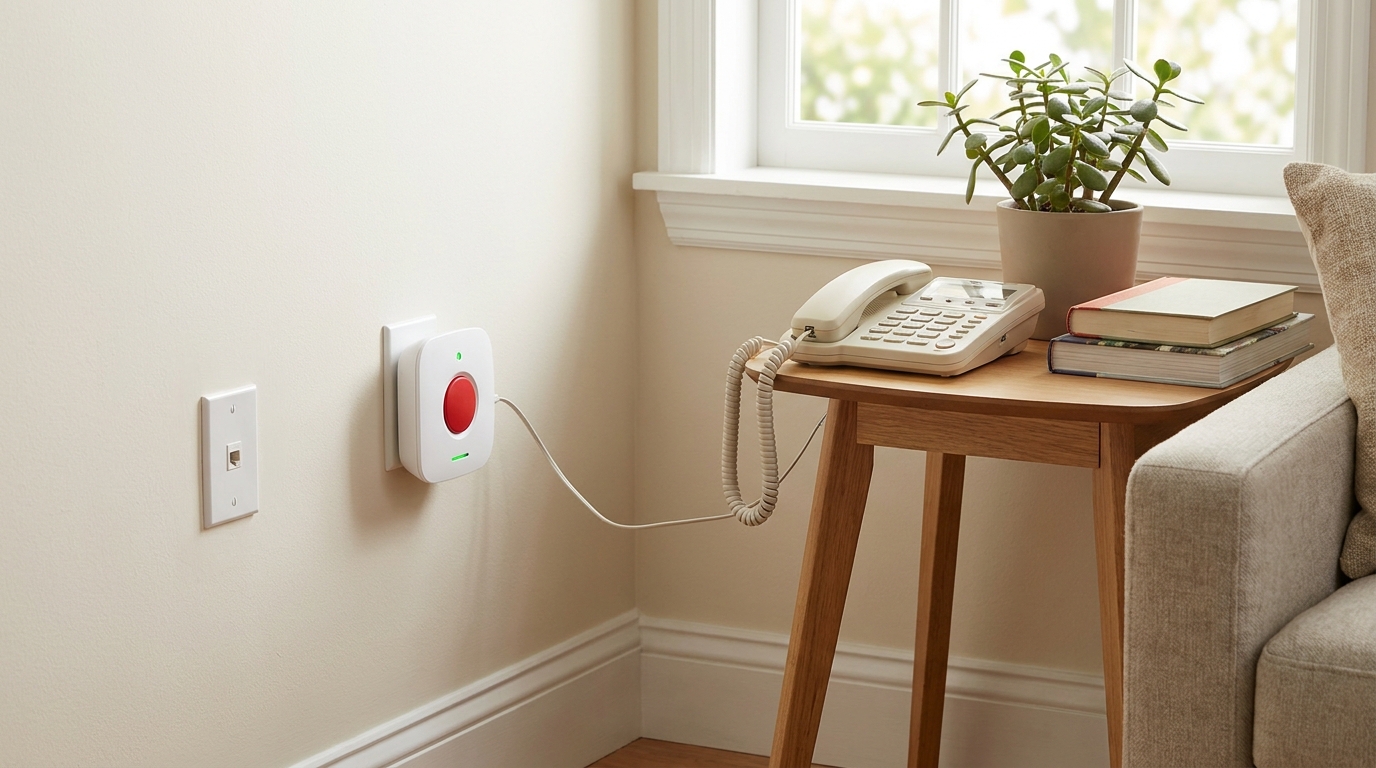
Price: $25.95/mo | Connection: Cellular | Contract: None
MobileHelp Classic offers cellular in-home coverage at the lowest monthly rate in its category. Equipment is included free with the plan — no upfront hardware cost. The pendant is waterproof and the base station connects over AT&T’s cellular network.
For families who want a no-landline-required in-home medical alert system without paying a premium monthly rate, MobileHelp Classic is the most cost-effective cellular option available.
Best for: Budget-conscious buyers who need cellular connectivity without a landline.
LifeFone At-Home — Best Budget
Price: from $24.95/mo (annual) | Connection: Landline | Contract: None
LifeFone is the most affordable in-home landline medical alert system in this guide. The At-Home Landline plan starts at $22.95–$24.95/mo on an annual plan — or $29.95/mo month-to-month — with no equipment fee, no activation fee, and no long-term contract. A 30-day money-back guarantee is included.
The setup is straightforward: the pendant connects to the base station, and the base connects to the monitoring center through the landline. Fall detection is available as a $5/mo add-on. LifeFone’s customer service reputation is among the strongest in the category — important when something goes wrong at 2am.
Best for: Seniors with an existing landline who want the lowest reliable monthly cost without sacrificing customer service quality.
Wall Buttons: The Extra Safety Layer Most People Skip
Most in-home medical alert systems include a wearable pendant — but the pendant only works if it’s being worn. Many falls happen in the bathroom or bedroom, and many seniors set the pendant down before a shower or when getting into bed.
Wall-mounted help buttons solve this. Placed in the shower, next to the toilet, or on the bedroom wall near the bed, a wall button provides a fixed backup that’s always there regardless of whether the pendant is on.
Most brands offer wall buttons as an add-on:
- Cost: typically $2–$5/mo, or free with certain plans
- Placement: bathroom and bedroom are the highest-priority locations
- Installation: peel-and-stick mounting — no tools, no drilling, renter-friendly
If you’re setting up one of the in-home medical alert systems, adding at least one wall button in the bathroom is one of the highest-value safety additions you can make.
Easy Setup: Can I Install This Myself?
Yes. Modern cellular in-home medical alert systems are designed for plug-and-play setup — no technician, no wiring, no tools required.
Typical setup steps:
- Plug the base station into a wall outlet
- Connect the base station to your phone line (landline systems only)
- Charge the pendant for the recommended time (usually 2–4 hours)
- Test the system by pressing the help button — the monitoring center will respond and confirm everything is working
The entire process takes 15–30 minutes for most people. No technical knowledge is required.
For renters: Cellular plug-in systems are fully renter-friendly. Nothing is hardwired or permanently installed. If you move, you take the system with you.
Frequently Asked Questions
What is the best in-home medical alert system? Bay Alarm Medical In-Home Cellular is our top overall pick for 2026 — fast response times, cellular connectivity, waterproof pendant, and no long-term contract at $27.95/mo. For the best range, Medical Guardian Classic reaches up to 1,400 feet.
Do in-home medical alert systems work without a landline? Yes. Cellular in-home systems connect through a built-in cell chip and require no landline. Models like Bay Alarm Medical, Medical Guardian Classic, MobileHelp Classic, and ADT Medical Alert all work without a phone line.
How far does an in-home medical alert system reach? Range varies by system: basic models cover around 600 feet from the base station, mid-range systems reach 800–1,000 feet, and Medical Guardian Classic leads the category at 1,400 feet. For large or multi-story homes, prioritize a system rated at 1,000 feet or more.
What happens if the power goes out? In-home base stations include a backup battery that typically lasts 24–32 hours. Cellular systems are more resilient in outages because they don’t rely on a working phone line — they can still connect to the monitoring center as long as the battery holds.
Can I install a medical alert system myself? Yes. Cellular plug-and-play systems require no technician. Plug in the base, charge the pendant, and test the button. Setup takes about 15–30 minutes. These systems are also renter-friendly — nothing is permanently installed.
Does Medicare cover in-home medical alert systems? Original Medicare (Parts A and B) does not cover medical alert systems. Some Medicare Advantage plans include medical alert benefits — check your specific plan. Medicaid coverage varies by state. Most families pay out of pocket, which is why monthly cost and contract terms matter.
For more on related topics, see our guides on medical alert systems with no monthly fee, home medical alert systems, and our best medical alert systems comparison.
Individual brand reviews: Philips Lifeline review | ADT Medical Alert review